



Rollanzia Mobile
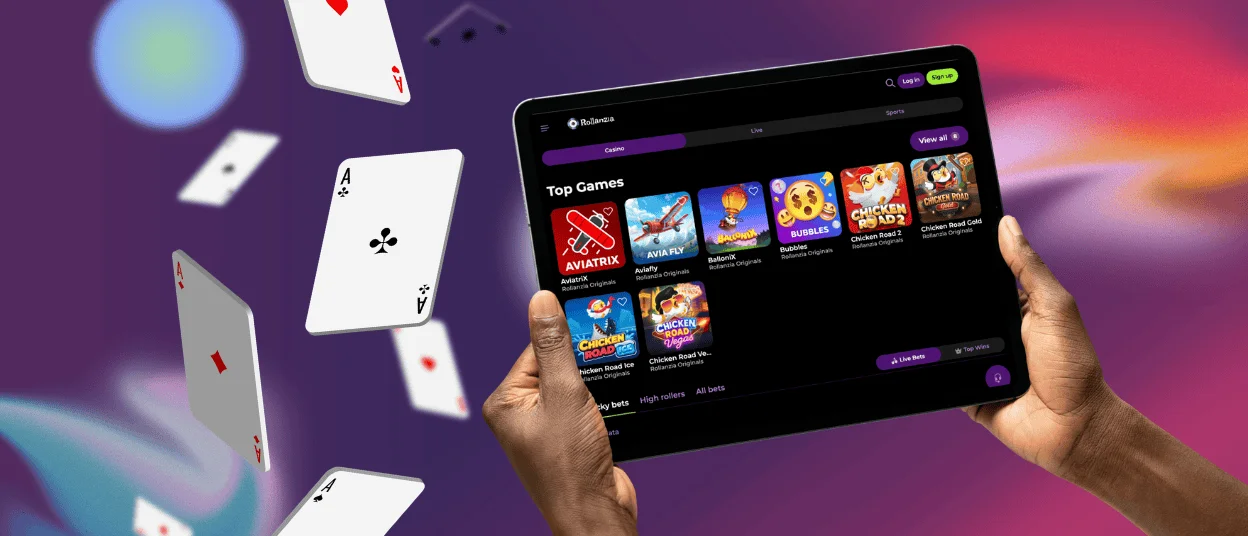
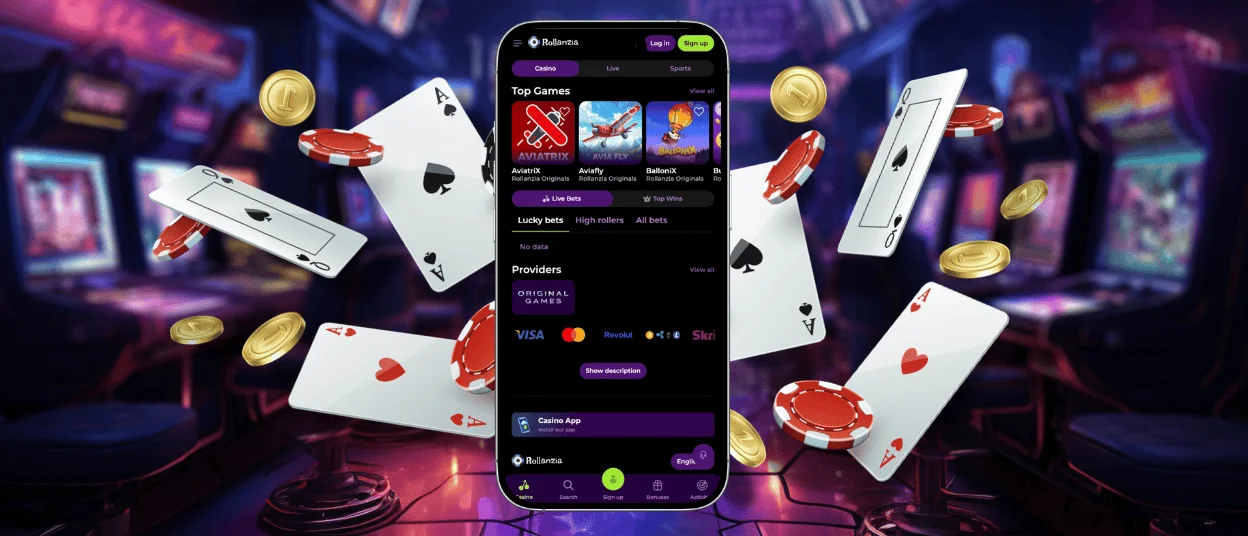
The Rollanzia app gives you unrestricted access to the casino from any device. It provides speed and smooth performance. You can play games, get bonuses, join tournaments, manage your account, and handle payments—all from your phone or tablet. Nothing’s missing compared to the desktop. The interface is made for touchscreens and smaller devices. It runs smoothly on Android, iPhone, iPad, Windows, and macOS. You can switch between mobile and desktop at any time.



Rollanzia Mobile vs Desktop Version
Both mobile and desktop versions of Roll Anzia Casino have the same functions. The real difference is how it feels to play. Mobile is all about portability and speed. Users can launch it from their home screen and play anywhere with an internet connection. It’s great for quick sessions on the go.
A desktop gives you a bigger screen, sharper graphics, and a layout that’s easier on the eyes for longer sessions. If you’re planning to sit down and play for a while, a PC or laptop is a great choice.
| Feature | Mobile App | Desktop Version |
| Location | Anywhere with internet | Stuck at a desk or laptop |
| Controls | Built for touch — tap and swipe | Mouse and keyboard, more precise |
| Installation | Browser-based PWA, no app stores | Browser or optional desktop shortcut |
| Notifications | Push notifications straight to your phone | Limited, browser-based |
| Performance | Fast, optimized for mobile | Better for long sessions and large screens |
Rollanzia App for Android
The Rollanzia app for Android is built to be stable on all devices. You install it straight from your browser—without downloading APK files from third-party websites. That alone makes things way more secure.
The Rollanzia application uses modern PWA technology instead of traditional app store downloads. The platform works right in your browser, and you can add it to your home screen in seconds. Updates happen automatically in the background, so you’re always on the latest version without manual installations.
Our mobile software supports everything: deposits, withdrawals, bonuses, tournaments, and account management. Plus, you get notifications about promos, leaderboard changes, and any important updates.
You can easily access our mobile platform with a single tap. The Roll Anzia app works smoothly on most Android phones and tablets. The design adapts to different screen sizes. Users can simply create a shortcut to our website for any Android device.
Rollanzia App for iOS
Rollanzia Casino runs great on iPhones and iPads. The iOS version works through Safari as a lightweight web app—no App Store visits or installing large files manually. You get games, transactions, tournaments and also push notifications straight to your Apple device.
One major advantage of the iOS web app is instant access. Once installed, just tap the icon on your home screen and you’re in. Notifications keep you updated on bonuses, special events, and new game releases without having to check the site constantly.
How to Install Rollanzia on iOS
Getting Roll Anzia on your iPhone or iPad takes about a minute—just a few taps and you’re in. To install our software for iOS:
- You should open the Rollanzia Casino website in Safari.
- Then you need to tap the “Share” icon in the browser menu.
- After that, you have to select “Add to Home Screen” and confirm.
- Finally, the Rollanzia icon will appear on your iPhone or iPad home screen.
Rollanzia for Windows and macOS
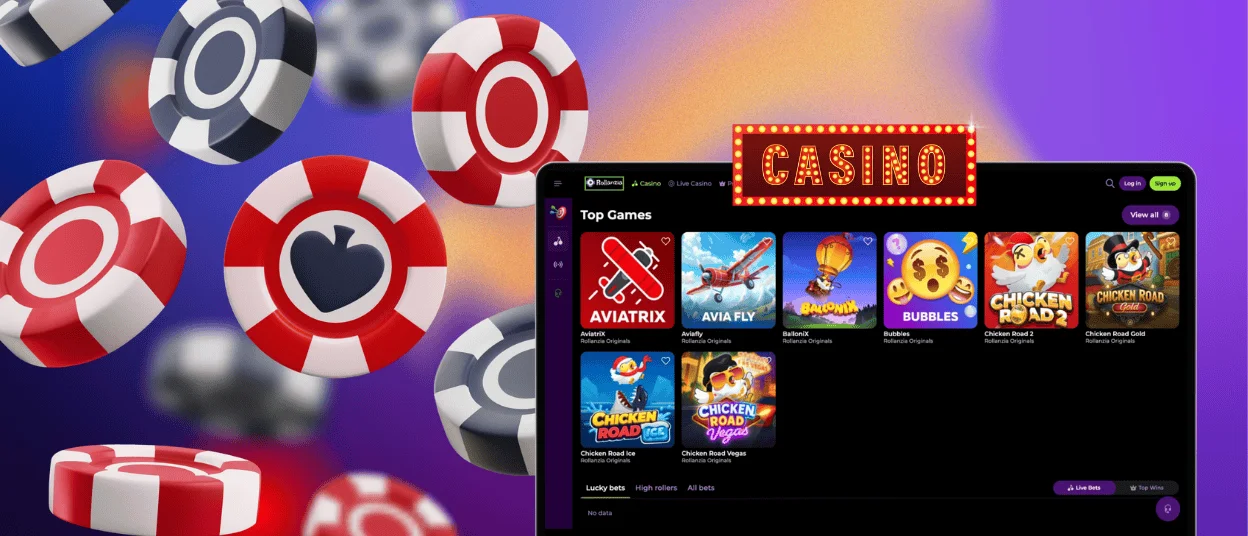
Our platform works great on desktops too. Just open Chrome, Safari, Edge, or Firefox. If you want faster access, create a desktop shortcut. Rollanzia Casino acts like a standalone app, opens in its own window, and gets you in with one click. The desktop version is built for larger screens and stays stable during long sessions.
How to Install Rollanzia on Desktop
Setting up the Roll Anzia application on a desktop is simple, so you can create a shortcut for one-click access without installing additional software. How to do it:
- To begin with, open Roll Anzia in your browser.
- After that, click the settings icon in the address bar.
- Choose “Create Shortcut” and confirm the action.
- The shortcut will appear on your desktop for direct access.
Main Features of the Rollanzia Mobile App
You can jump into your favorite games fast and handle everything without switching devices. The Rollanzia app puts all the main casino functions in one spot. It’s built to be convenient, secure, and actually perform well.
Key features include:
- Full access to games and promotions
- Fast deposits and withdrawals
- Push notifications for tournaments and bonuses
- Mobile-optimized interface
- Secure login and account protection
- Automatic updates without downloads
- Support for Android, iOS, Windows, and macOS
- One-tap access from the home screen
Security and Performance
Our platform uses the same security standards on mobile devices as on the desktop version. Every bit of data moving in or out of Rollanzia is wrapped in TLS encryption and HTTPS. All transactions are protected by secure payment systems, so players can make deposits and withdrawals safely. Verification is also there inside the app, so there’s no need to switch devices.
With a slow connection, the app doesn’t fall apart. Plus, since it’s a PWA, you skip all the usual headaches, such as outdated versions and sketchy third‑party APKs. You’re always on the latest fixes without even noticing.
FAQ
Does the app work on older smartphones?
Yes, the Rollanzia app runs on all sorts of devices, including older models. For it to work, your smartphone must be able to support a modern browser and connect to the internet. Performance may be slightly reduced on older devices, but the core features will remain the same.
Does the Rollanzia app support multiple payment methods?
Our mobile software supports multiple payment methods. Whatever options you see on the website are also available here: credit cards, debit cards, e-wallets, bank transfers, all of it. You can handle deposits and withdrawals right from the Rollanzia app. Transactions are fast and secure in any version of our platform.
Do I need an account to use the Rollanzia app?
Yes, you need to create an account to use our application. To sign up, just provide an email, create a password, and enter some basic info. It takes about two minutes. Some games have a demo mode you can try without making a deposit, just right after registration.


